
Loading... Please wait
Dear Valued LIMO JAPAN Customers,
Thank you for your continued use of LIMO JAPAN.
We regret to inform you that unauthorized access by an external third party occurred on our reservation website, LIMO JAPAN, resulting in the deletion of some customer login accounts.
We sincerely apologize for the considerable concern and inconvenience this incident has caused.
On the night of Saturday, October 17, 2026, a third party exploited a software vulnerability in our reservation system to gain unauthorized access, resulting in the deletion of 1,356 customer login accounts.
We became aware of unusual activity after receiving a suspicious reservation request. We then asked our system development provider to investigate, and the investigation revealed this incident.
This incident has not affected reservation details or transportation arrangements. We have confirmed that services for existing reservations can be provided as scheduled.
No leakage of personal information, unauthorized viewing or acquisition of such information, or financial loss has been identified.
We do not store credit card information in our system.
The software vulnerability that enabled the unauthorized access was corrected on Monday, October 19.
On Tuesday, October 20, we also carried out restoration of the deleted customer accounts and provided individual assistance.
Customers whose accounts have been restored can continue to use their existing email addresses and passwords. Although no password leakage has been identified in connection with this incident, we recommend changing your password as an additional security precaution for greater peace of mind when using our services.
【How to Change Your Password】
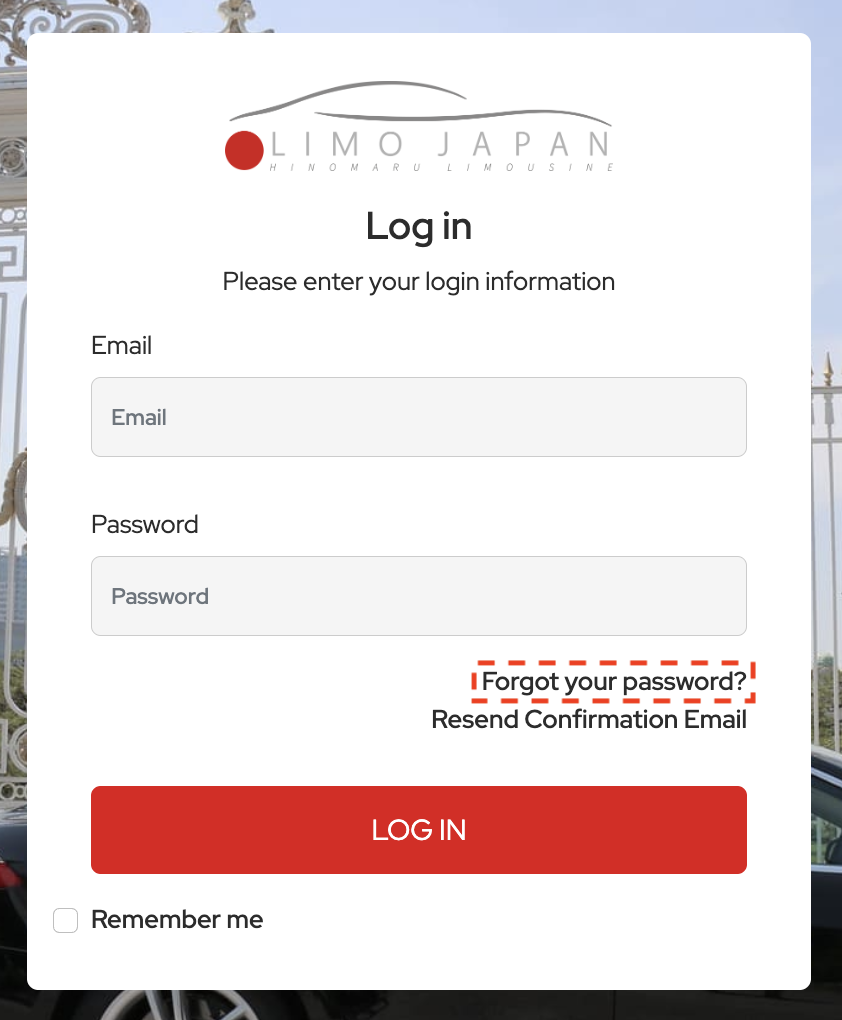
Some customers may require individual assistance. If you experience any difficulty logging in or viewing your reservation history, please contact us using the details below.
We take this incident very seriously. In cooperation with our system development provider, we will check other system functions for similar vulnerabilities and strengthen our monitoring of unauthorized access and our security measures.
We remain committed to preventing similar incidents so that you can continue to use our services with confidence.
Once again, please accept our deepest apologies for the considerable concern and inconvenience this incident has caused.
【Contact Information】